ArrowNotes
iOS + watchOS
iOS + watchOS
support@maxschroeder.com
Trainingslog · Ausrüstung · Feintuning
Training log · Gear · Fine-tuning

Bogensport, sauber dokumentiert. Archery, clearly documented.

ArrowNotes bündelt Setups, Visiermarken und Trainingsdaten in einer klaren Übersicht – damit du auf dem Platz schneller ins Tuning und Schießen kommst.

ArrowNotes pulls setups, sight marks, and training data into one clean overview—so you tune and shoot faster on the range.


Im App Store laden Im App Store laden Download on the App Store Download on the App Store
Keine Registrierung · Offline nutzbar
No account · Works offline

Die wichtigsten USPs

Key USPs

Warum ArrowNotes?

Why ArrowNotes?

ArrowNotes ist aus der Praxis entstanden – aus dem Wunsch nach einer App, mit der man Pfeile ohne Umwege, ohne Ablenkung und ohne starre Vorgaben erfassen kann. Ob im Training oder im Wettkampf: Ein paar Sekunden nach der Passe sollen genügen, um Ergebnisse festzuhalten und sich wieder auf das Schießen zu konzentrieren.

Genau darauf fokussiert sich ArrowNotes. Die App verzichtet bewusst auf Überfrachtung, bietet aber gleichzeitig eine solide Basis für Auswertung, Analyse und Struktur. Viele Funktionen sind bereits vorhanden, andere werden Schritt für Schritt ergänzt – mit dem Ziel, ArrowNotes langfristig zu einer leistungsfähigen, aber dennoch klaren Begleiter-App für Bogenschützinnen und Bogenschützen zu machen.

ArrowNotes was born from practice — a desire to log arrows without detours, distractions, or rigid presets. Whether training or competition, a few seconds after an end should be enough to record results and get back to shooting.

That focus defines ArrowNotes. The app avoids clutter but still delivers a solid foundation for analysis, evaluation, and structure. Many features are already there, and more are added step by step — with the goal of becoming a powerful yet clear companion for archers.

Screenshots

Screenshots

Apple iPhone

Apple iPhone

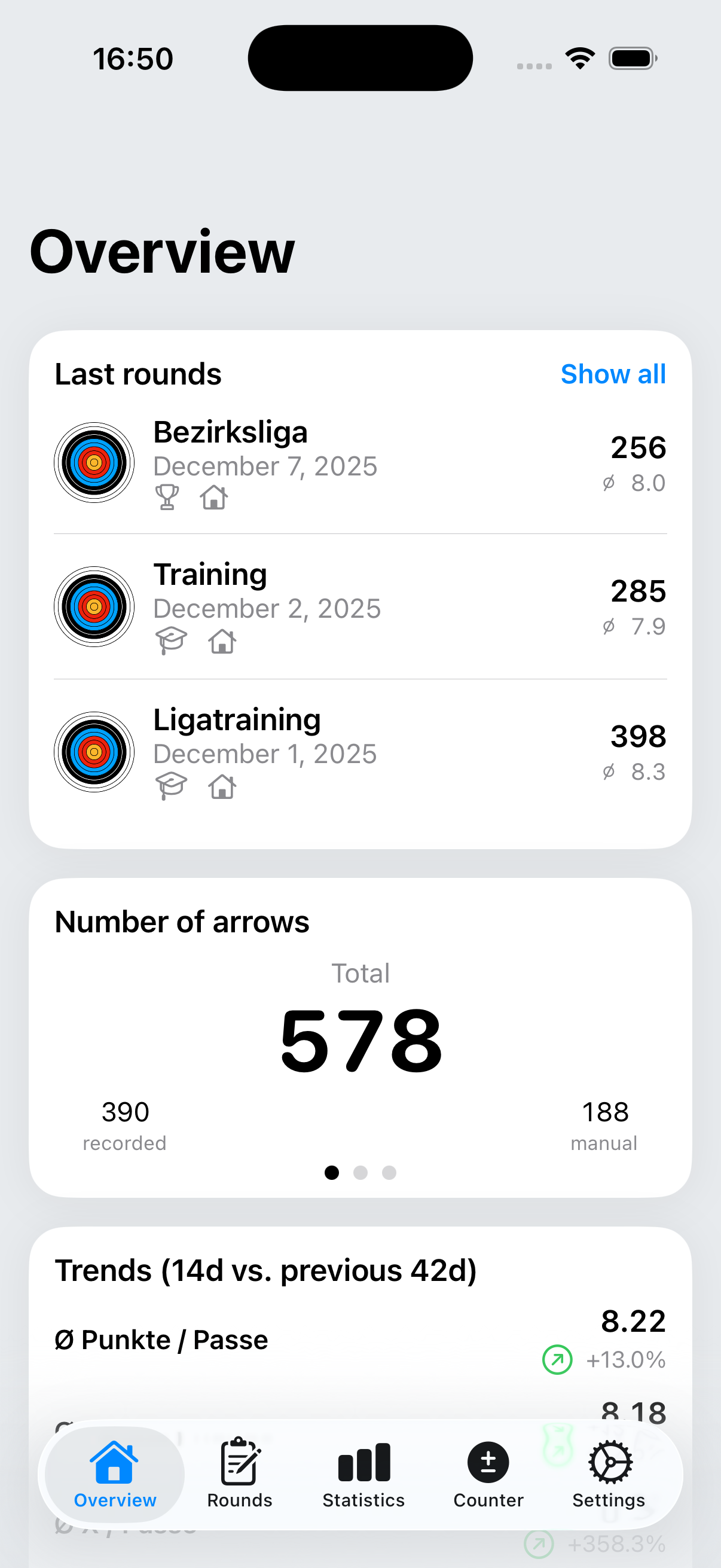
ArrowNotes Overview
Übersicht & aktuelle Runden
Overview & current rounds
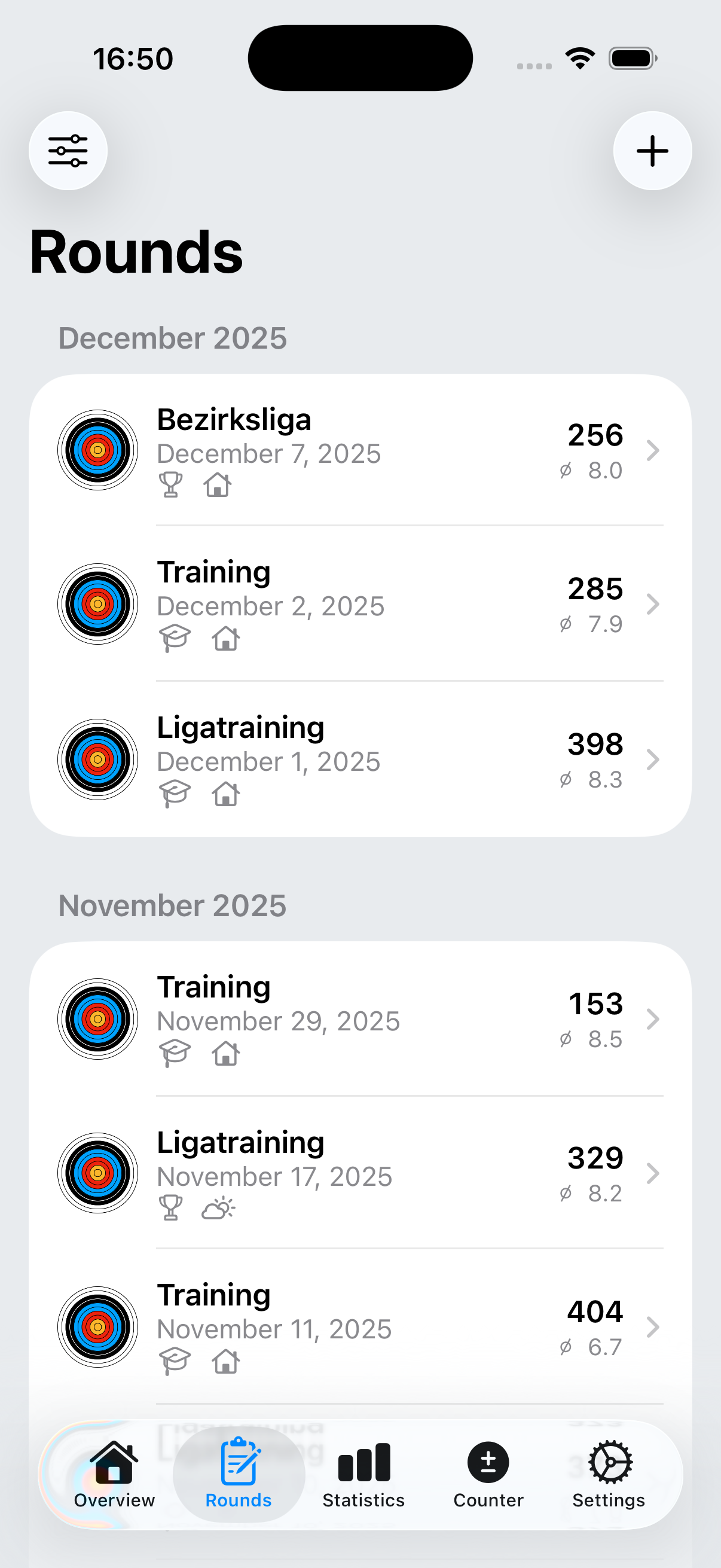
ArrowNotes Rounds
Rundenliste
Rounds list
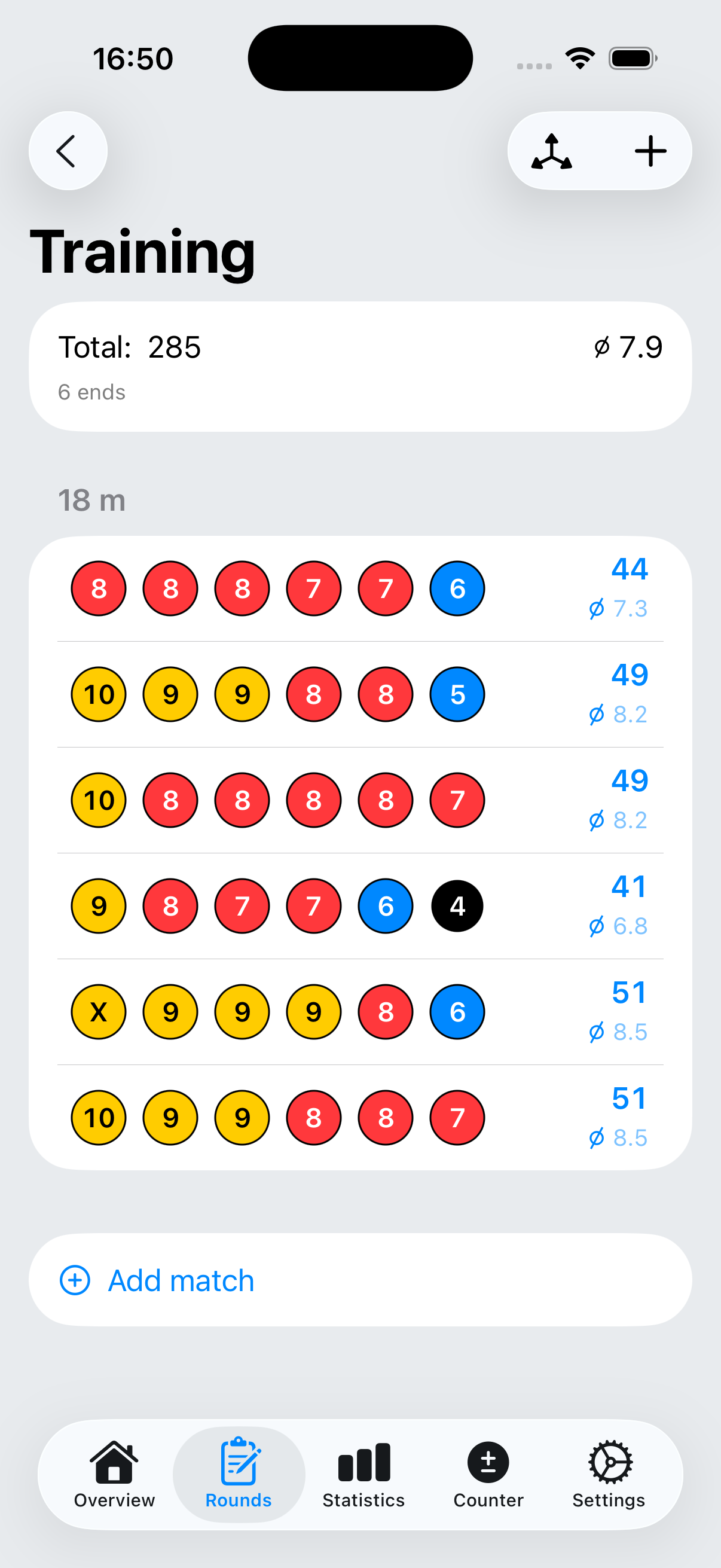
ArrowNotes Round Details
Rundendetails
Round details
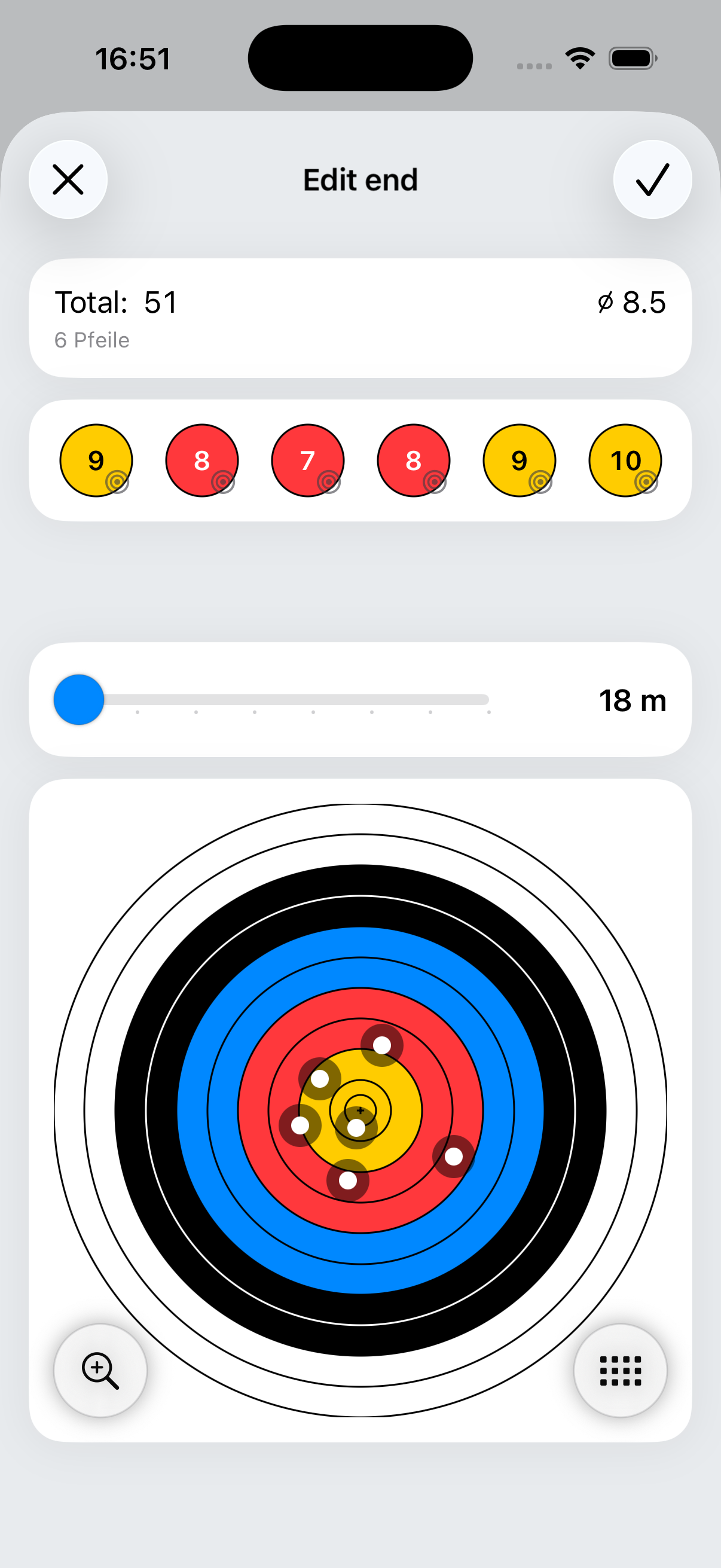
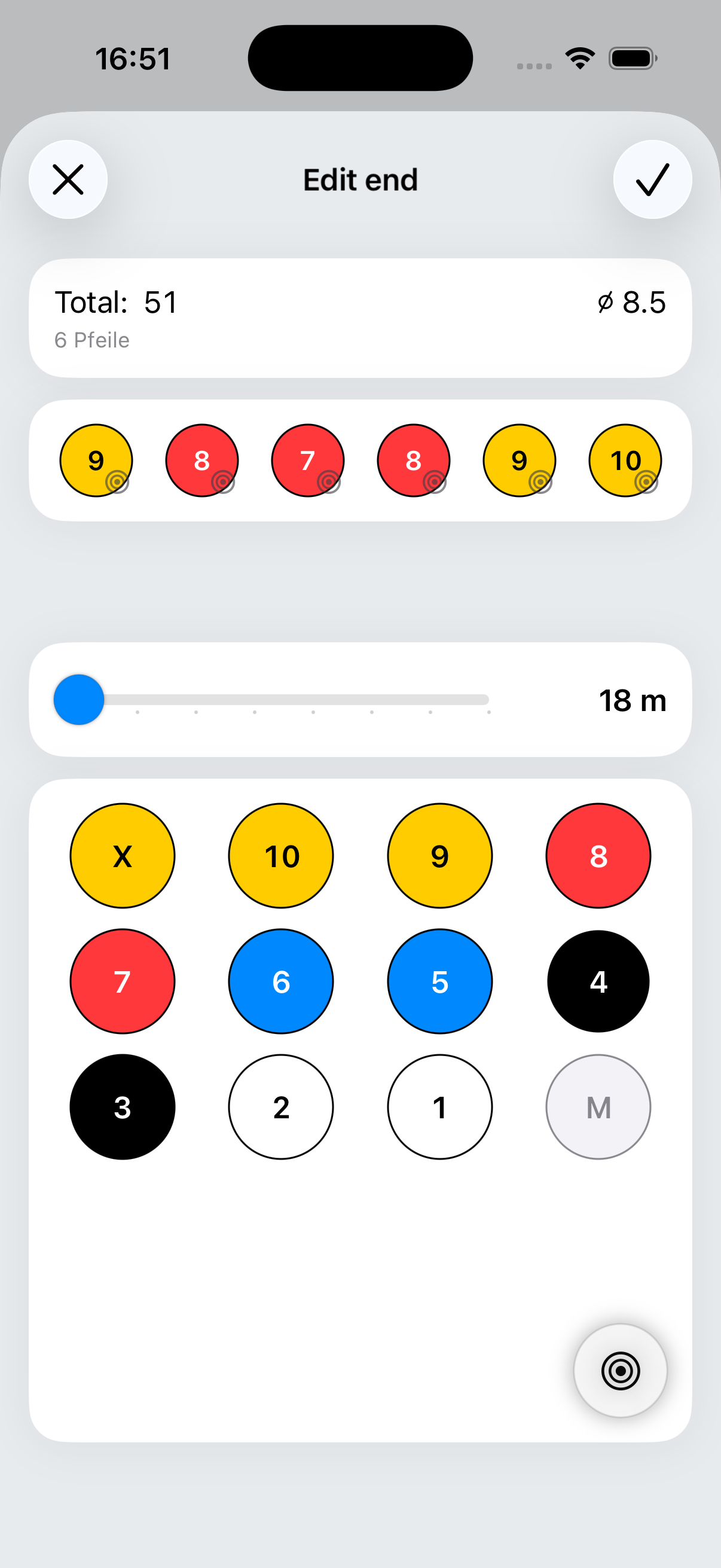
ArrowNotes End Target Input
Passen-Eingabe über Zielscheibe
End input on target face
ArrowNotes End Keypad Input
Passen-Eingabe per Keypad
End input via keypad
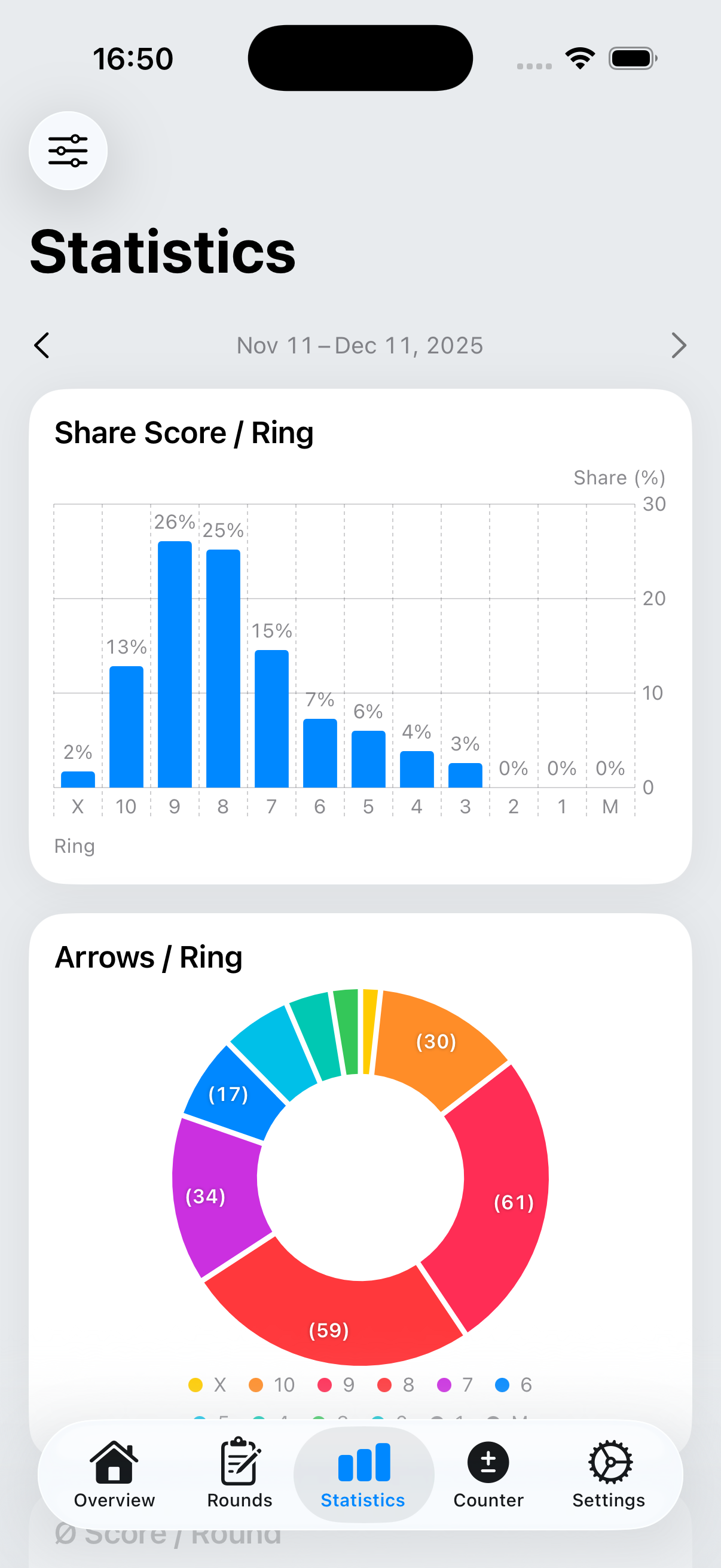
ArrowNotes Statistics
Statistiken & Trends
Statistics & trends
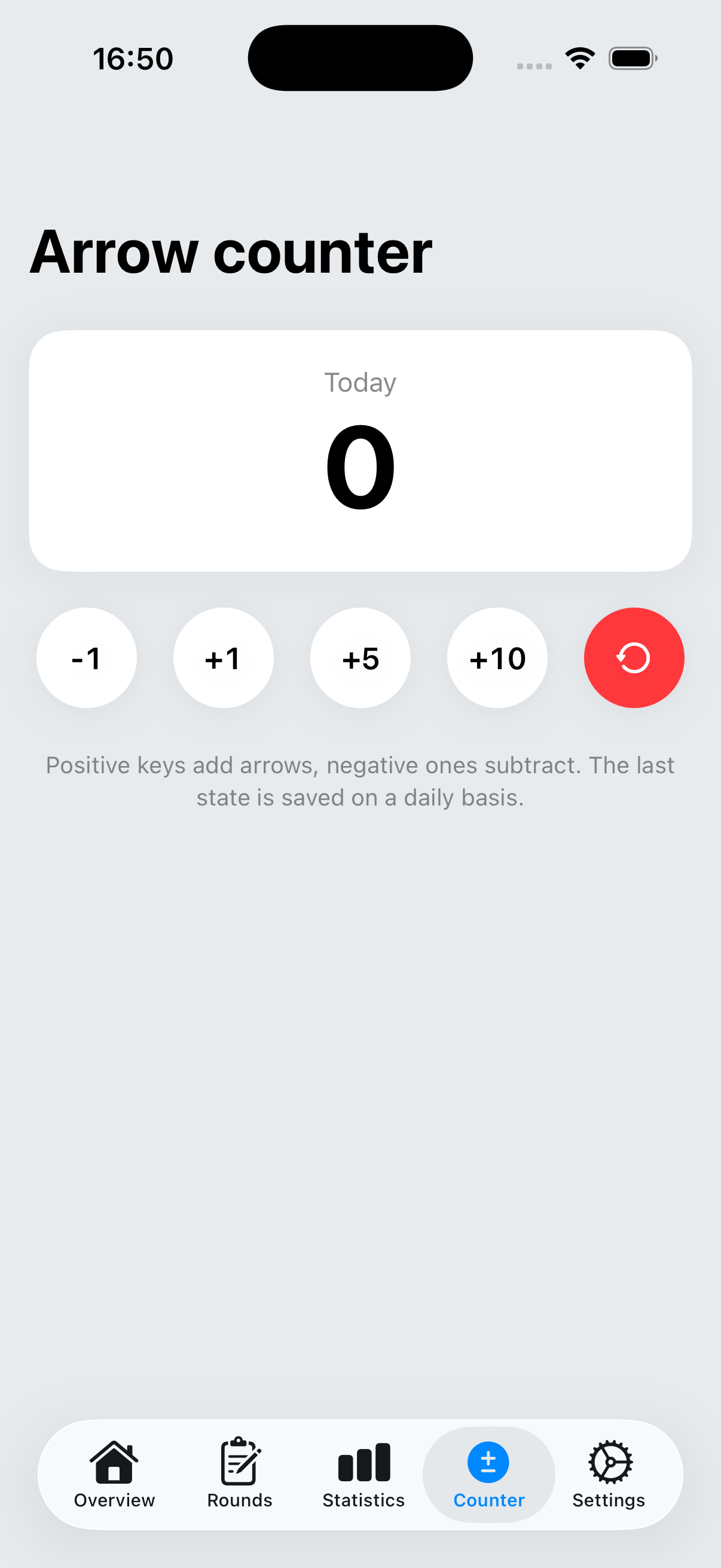
ArrowNotes Arrow Counter
Pfeilzähler
Arrow counter
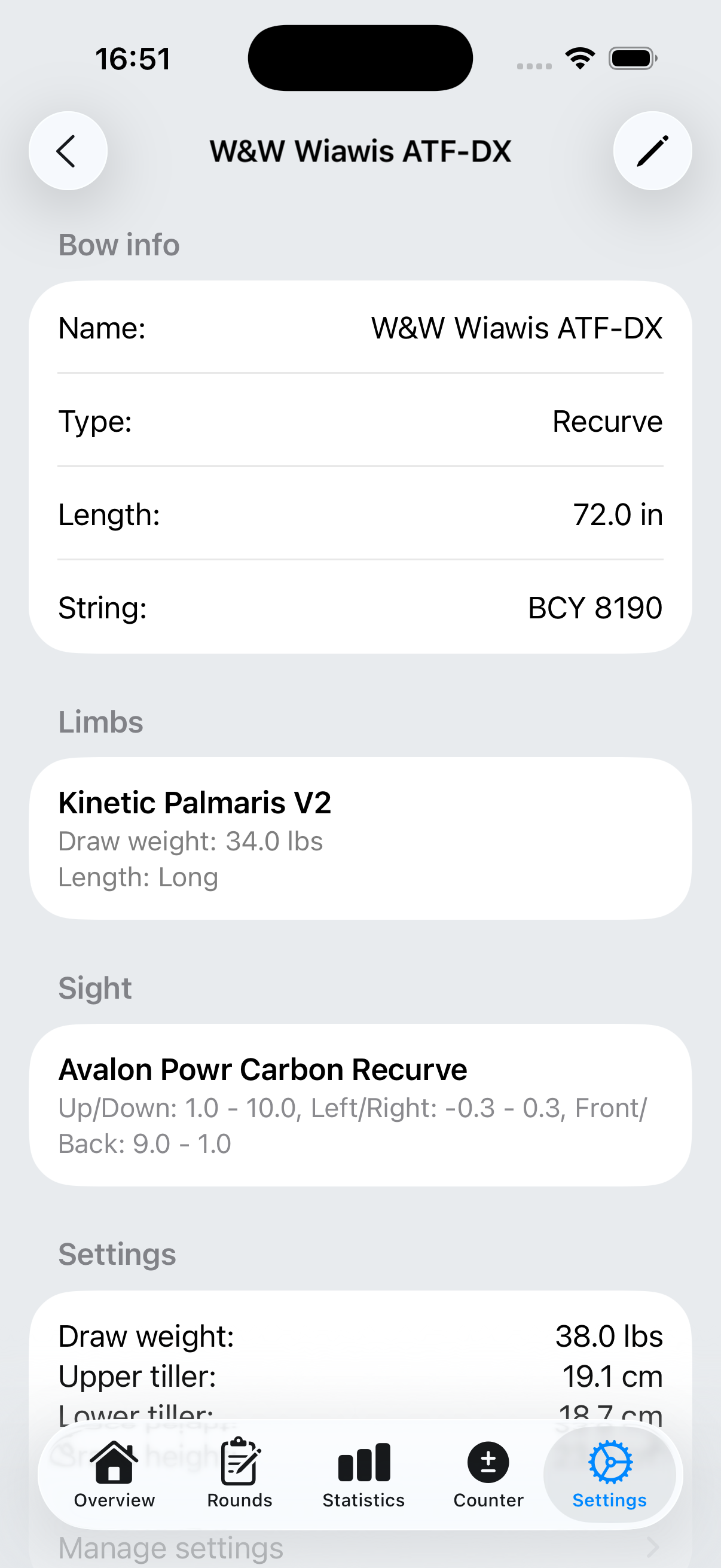
ArrowNotes Bow Details
Bögen & Setups
Bows & setups
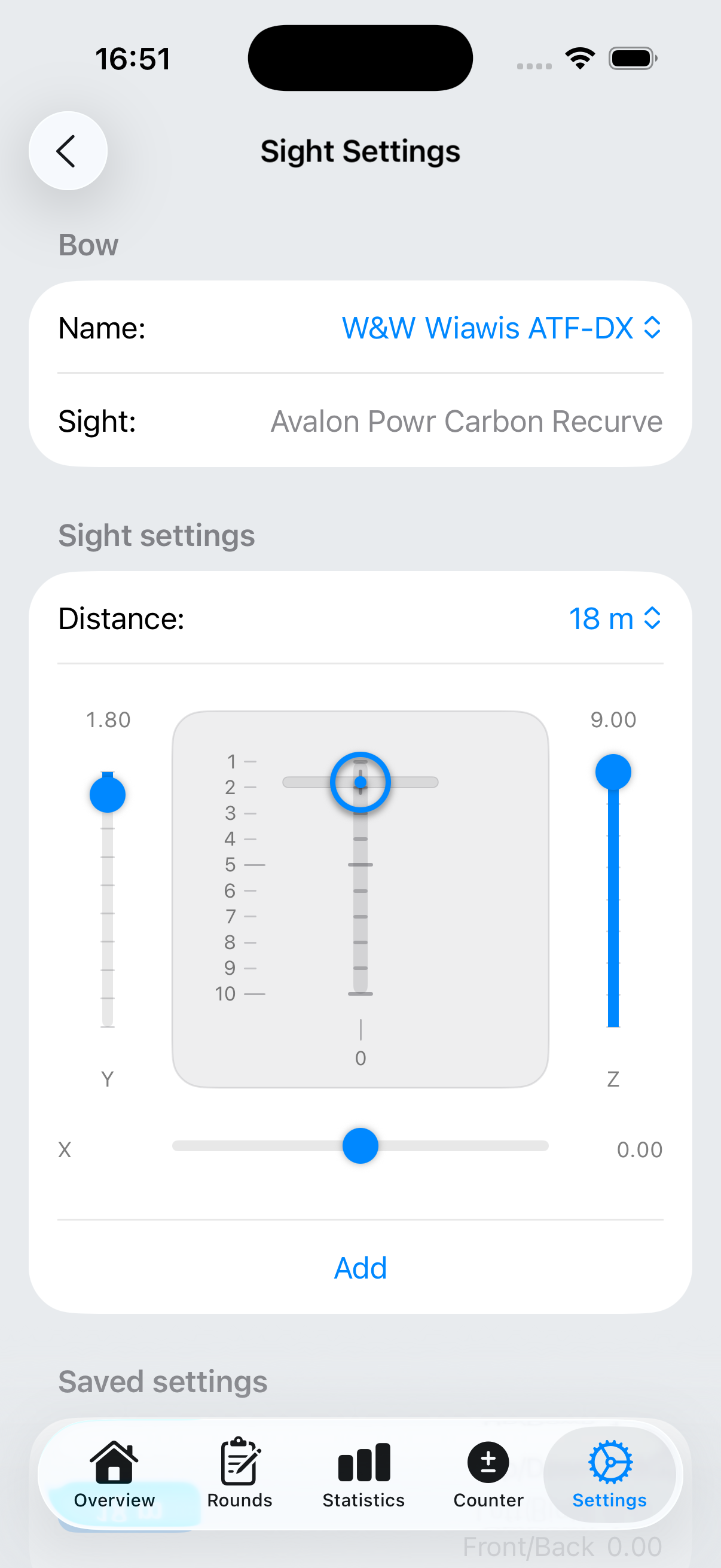
ArrowNotes Sight Settings
Visier-Einstellungen
Sight settings
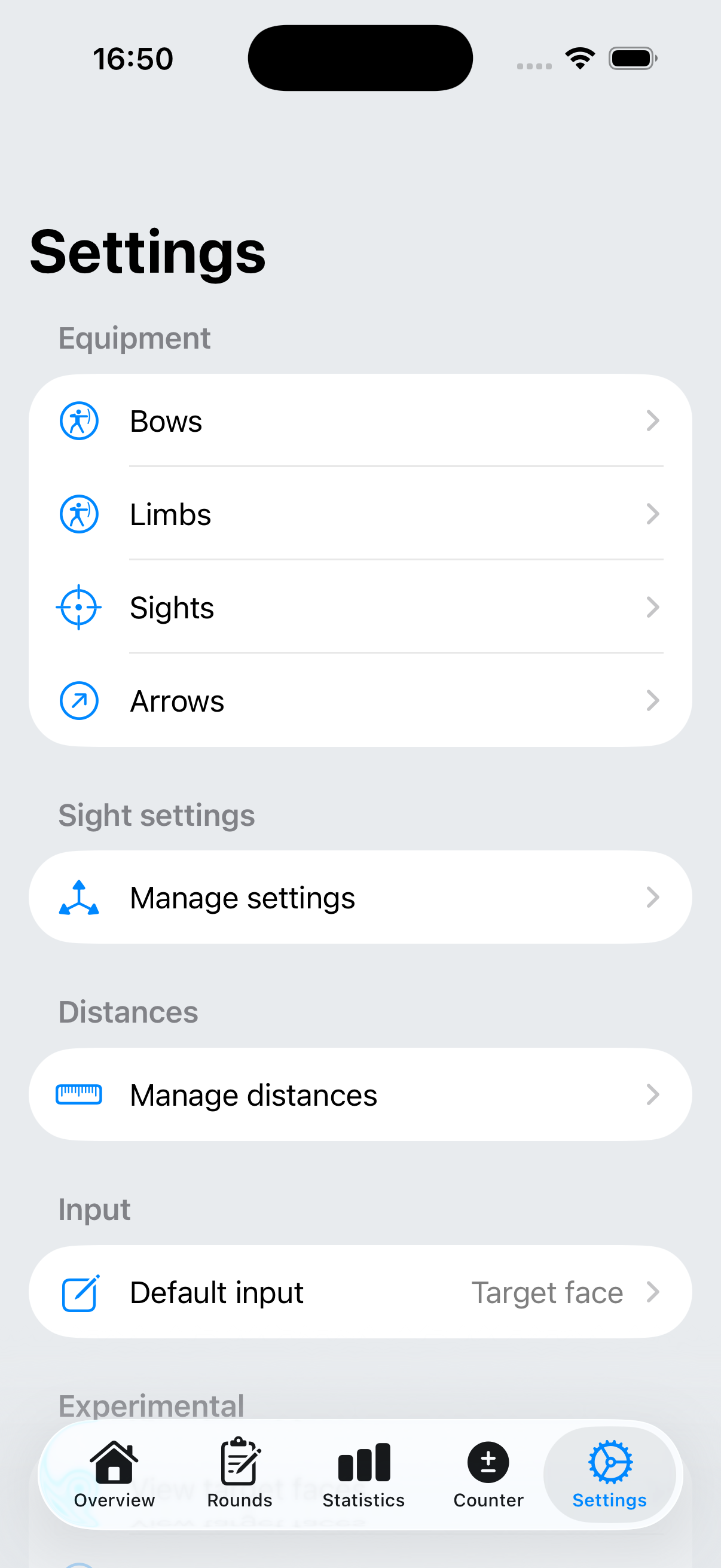
ArrowNotes Settings
Einstellungen & Templates
Settings & templates

Apple Watch

Apple Watch
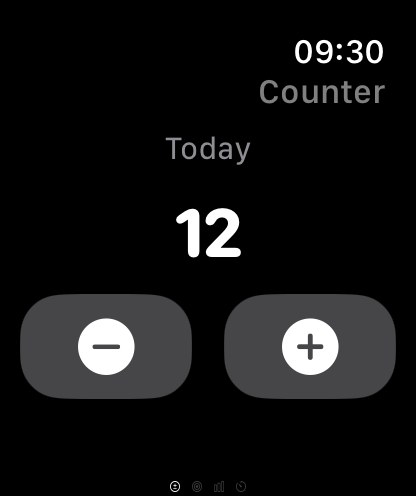
Apple Watch Counter
Apple Watch: Pfeilzähler
Apple Watch: arrow counter
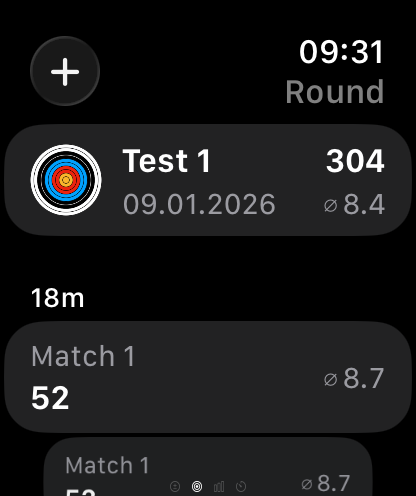
Apple Watch Round
Apple Watch: Letzte Runde
Apple Watch: last round
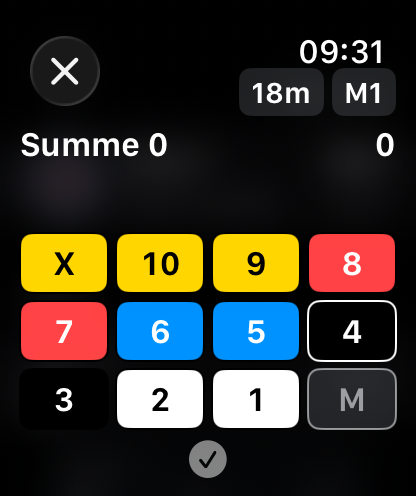
Apple Watch Add End
Apple Watch: Passe erfassen
Apple Watch: log an end
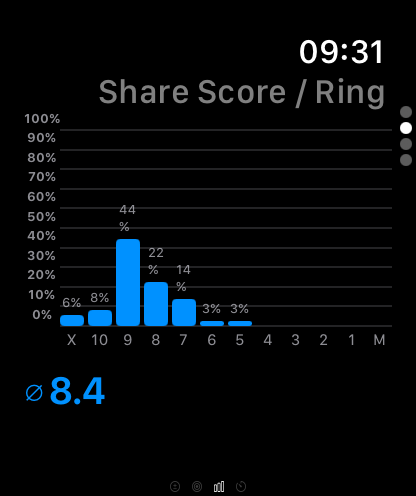
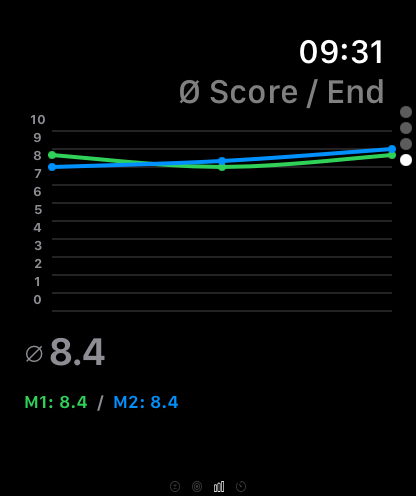
Apple Watch Stats 1
Apple Watch: Statistiken
Apple Watch: statistics
Apple Watch Stats 2
Apple Watch: Statistiken
Apple Watch: statistics
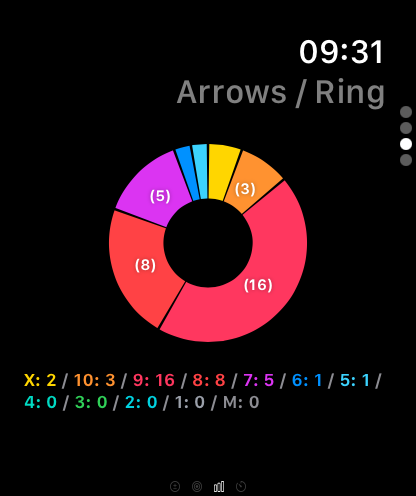
Apple Watch Stats 3
Apple Watch: Statistiken
Apple Watch: statistics
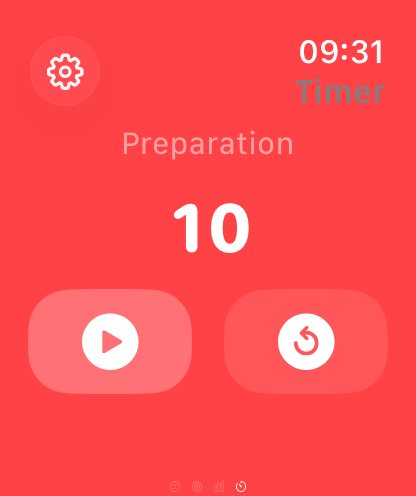
Apple Watch Timer
Apple Watch: Timer
Apple Watch: timer
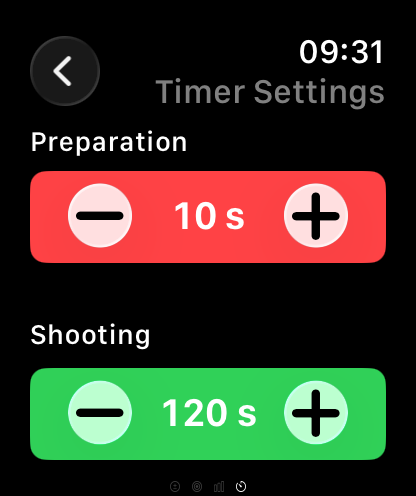
Apple Watch Timer Settings
Apple Watch: Timer-Einstellungen
Apple Watch: timer settings

Funktionsumfang

Feature set

Runden & Passen Rounds & ends
  • Runden mit Vorlagen, Zielscheiben und Durchmessern anlegen
  • Distanzen pro Passe auswählen oder verändern
  • Pfeile über Zielscheibe (Marker) oder Keypad erfassen
  • Matches innerhalb einer Runde hinzufügen (z. B. Wettkampf)
  • Automatische Scores, Durchschnittswerte und Trefferquoten
  • Frei erfassen ohne feste Anzahl an Passen
  • Passen speichern, bearbeiten oder löschen
  • Filter nach Art, Ort und Zeitraum
  • Auflagen: WA/FITA 10/5/6 Ringe, 3‑Spot, WA Field, WA Field 3‑Spot
  • Create rounds with templates, target faces, and diameters
  • Select or adjust distance per end
  • Capture arrows on the target (marker) or via keypad
  • Add matches within a round (e.g., competition)
  • Automatic scores, averages, and hit rates
  • Free-form logging without fixed end counts
  • Save, edit, or delete ends
  • Filters by type, location, and time
  • Target faces: WA/FITA 10/5/6 rings, 3‑spot, WA Field, WA Field 3‑spot
Statistiken Statistics
  • Ring-Anteile in Prozent
  • Ring-Verteilung nach Anzahl Pfeile pro Ring
  • Ø Ringanzahl pro Passe
  • Anzahl Pfeile (erfasst, manuell, gesamt)
  • Filter nach Zeitraum, Art und Ort
  • Darstellung von Trends
  • Rundenspezifische Statistiken per Wisch
  • Trefferbildanalyse mit Abweichung & Streuung
  • Ring shares in percent
  • Ring distribution by arrow count per ring
  • Average rings per end
  • Arrow counts (recorded, manual, total)
  • Filters by time range, type, and location
  • Trend visualizations
  • Round-specific stats via swipe
  • Hit‑pattern analysis with offset & spread
Equipment & Setups Equipment & setups
  • Bögen, Wurfarme, Visiere, Pfeile und Zubehör verwalten
  • Unterschiedliche Setups pro Bogen speichern
  • Visiereinstellungen pro Bogen‑Visier‑Kombi und Distanz
  • Bogentypen: Recurve, Blankbogen, Compound, Langbogen
  • Manage bows, limbs, sights, arrows, and accessories
  • Store multiple setups per bow
  • Save sight settings per bow‑sight combo and distance
  • Supported bow types: recurve, barebow, compound, longbow
Pfeilzähler Arrow counter
  • Pfeile manuell und außerhalb von Runden erfassen
  • Tagesweise Speicherung der Pfeile
  • Historie mit Tagessummen, bei Bedarf löschbar
  • Log arrows manually and outside of rounds
  • Daily storage of arrow counts
  • History with daily totals, removable if needed
Timer Timer
  • Frei konfigurierbar für Vorbereitung, Schießen und Warnung
  • Haptische und/oder akustische Signale
  • Fully configurable for preparation, shooting, and warning
  • Optional haptic and/or audio signals
Apple Watch Integration Apple Watch integration
  • Apple Watch als Fernsteuerung nutzen
  • Letzte Runde mit allen Passen anzeigen
  • Neue Passe per Keypad erfassen
  • Passen löschen oder bearbeiten
  • Timer einstellen und starten
  • Rundenspezifische Statistiken ansehen
  • Pfeilzähler zur manuellen Erfassung
  • Use the Apple Watch as a remote control
  • Show last round with all ends
  • Log a new end via keypad
  • Delete or edit ends
  • Configure and start the timer
  • View round‑specific statistics
  • Arrow counter for manual logging
Sync & Backup Sync & backup
  • Lokale Speicherung mit optionaler iCloud-Synchronisation
  • Datenexport und -import als Datei
  • Local storage with optional iCloud sync
  • Data export and import via file
Einstellungen Settings
  • Sprache, Erscheinungsbild, Distanzen und Templates anpassen
  • Zielscheibe oder Keypad als Standardeingabe
  • Hell-, Dunkel- oder Systemmodus
  • Adjust language, appearance, distances, and templates
  • Choose target face or keypad as default input
  • Light, dark, or system theme

Technische Daten

Technical data

Plattform:Platform: iOS + watchOS
Mindestens:Minimum: iOS 18 + watchOS 11
Geräte:Devices: iPhone + Watch
Sprachen:Languages: Deutsch, Englisch German, English
Datenspeicherung:Data: Lokal (Core Data); iCloud-Backup optional über Systemeinstellung Local (Core Data); optional iCloud backup via system settings
Accounts:Accounts: nicht erforderlich; Apple ID nur für iCloud-Sync not required; Apple ID only for iCloud sync

Support, Hilfe & Rechtliches

Support, Help & Legal

Support Support

E-Mail: support@maxschroeder.com. Bitte Gerät & iOS-Version nennen.

Email: support@maxschroeder.com. Please include device & iOS version.

Handbuch & FAQ Manual & FAQ

Schritt-für-Schritt-Anleitung mit Inhaltsverzeichnis: Zum Handbuch. Antworten nach Themen: Zu den FAQs.

Step-by-step guide with table of contents: Open manual. Answers by topic: Open FAQs.

Datenschutz Privacy

Daten bleiben auf dem Gerät; keine Tracker; kein Login. Vollständige Details in der Datenschutzerklärung.

Data stays on-device; no trackers; no login. Full details in the Privacy Policy.

Impressum Imprint / Legal

Rechtlich erforderliche Angaben findest du im Impressum.

Mandatory legal details are available in the Legal Notice / Imprint.